Import your reading notes
Bring highlights and thoughts from your reading apps together in Booko.
- Apple Books
- Kindle
- WeRead
- Dedao
- Douban Read
- iReader





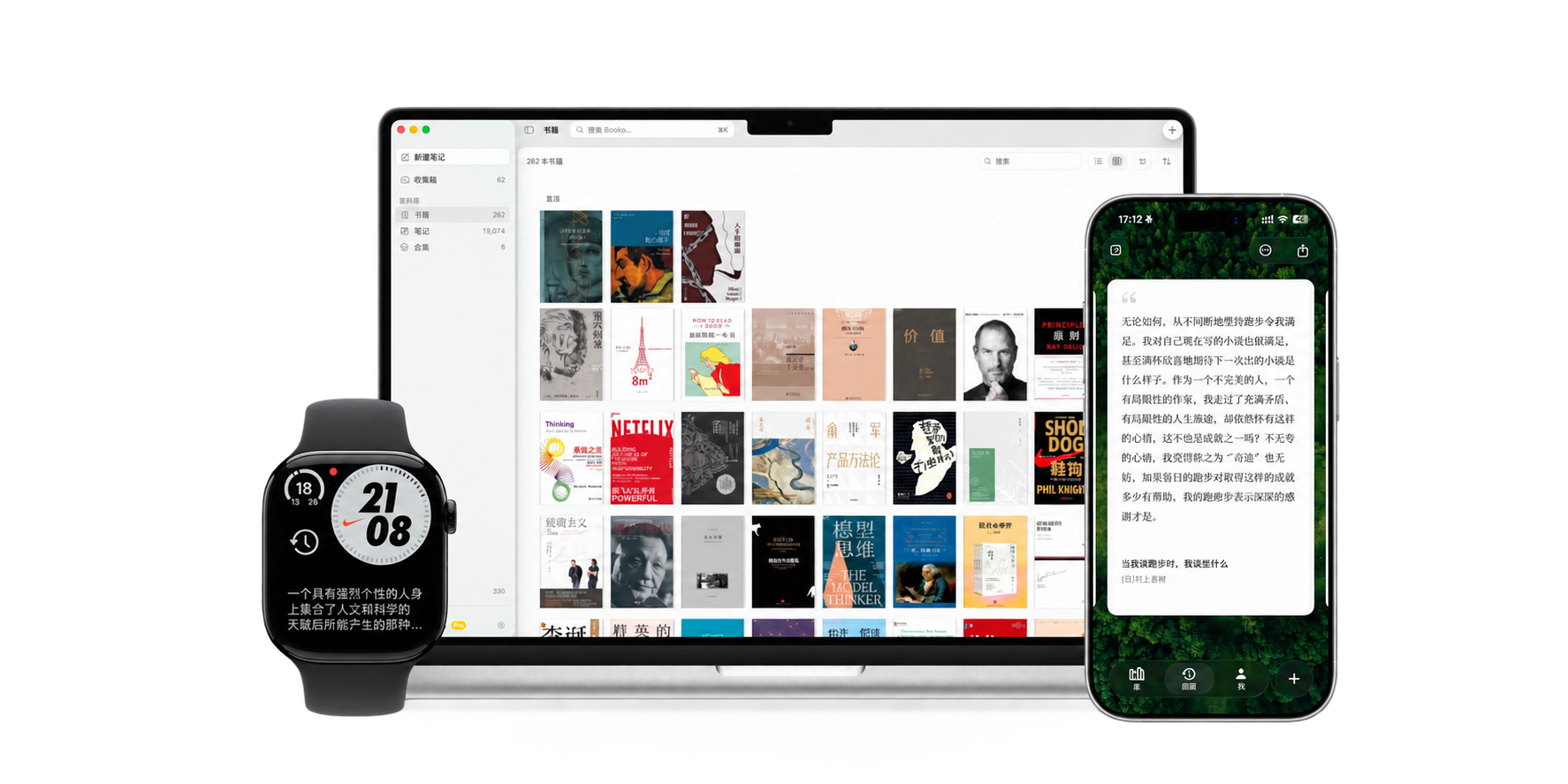
Organized by book
Each book has its own page that lists all of its highlights and thoughts. You can also search across all your books and notes.
Review your notes on iPhone, Mac, and Apple Watch
Booko supports iPhone, iPad, Mac, and Apple Watch. With Pro and a paired iPhone, revisit notes on your watch, or add Booko to your watch face and Smart Stack.
Write down your thoughts
Write down a thought from Shortcuts, a widget, or the share sheet without opening the app. Booko saves it to the Inbox, and you can move it to a book later.
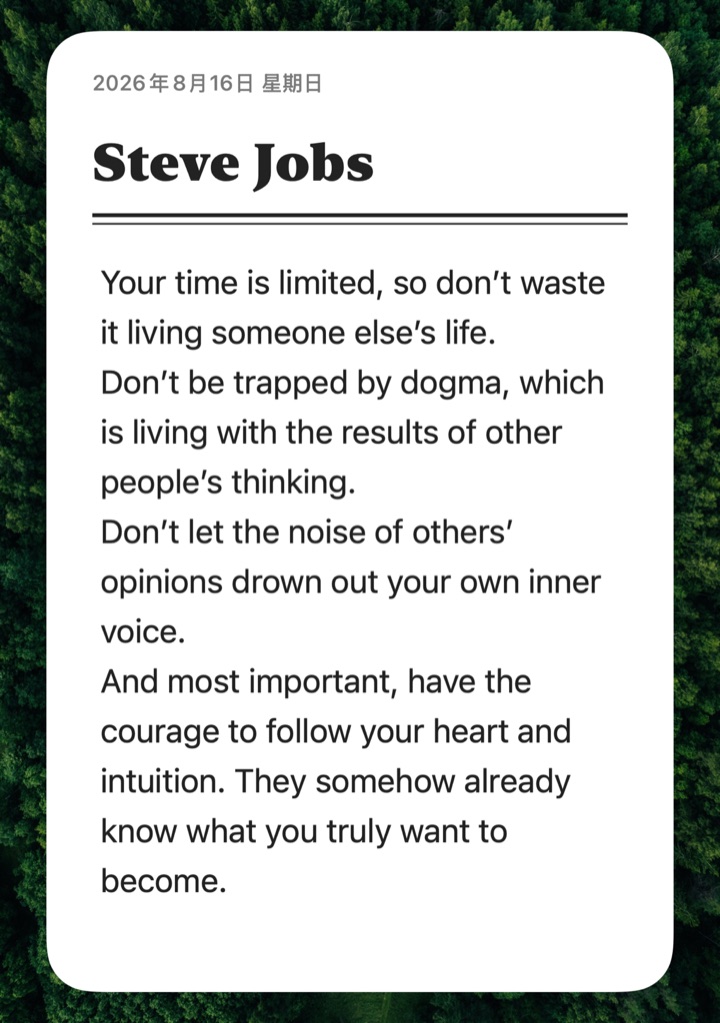
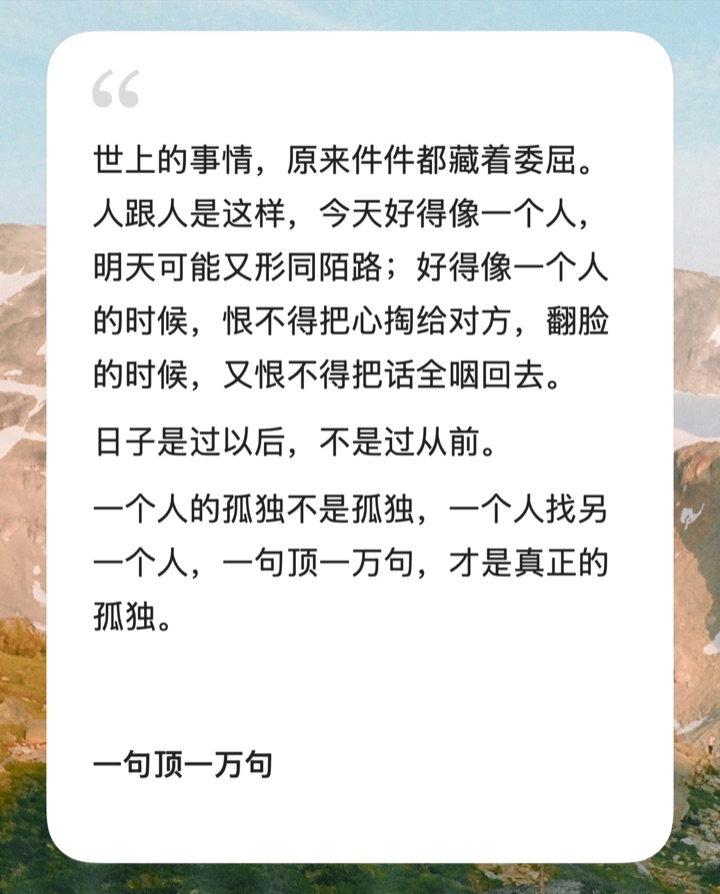
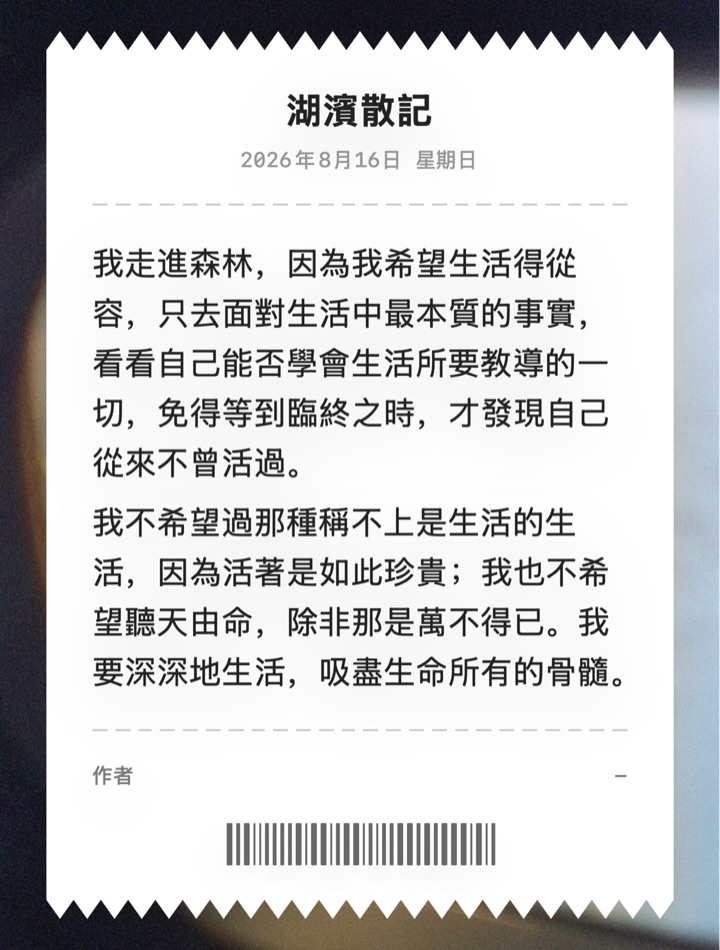
Share notes as images
Booko turns a note into an image. Choose a background, then save or share the image.
Local first, no account
Booko needs no account. Your notes stay on your device and are never uploaded to a Booko server. With Pro, your notes sync between iPhone, iPad, and Mac through your own iCloud.
Choose your Pro plan
The free plan stores up to 10 books and 1,000 notes. Choose a monthly subscription, annual subscription, or lifetime purchase. All three plans include the same Pro benefits.
| Free | Pro | |
|---|---|---|
| Books and notes | 10 · 1,000 | Unlimited |
| Import, organize, search, share | ||
| iCloud sync | – | |
| Apple Watch review | – | |
| Widget shuffle and review notifications | – | |
| Remove share watermark | – | |
| Custom backgrounds and fonts | – |
FAQ
All questions- Does Booko need an account?
- No. Booko stores your notes on your device.
- Are my notes uploaded to a server?
- No. Your notes stay on your device. With iCloud sync on, they are stored in your own iCloud.
- Which devices are supported?
- Booko runs on iPhone, iPad, and Mac. Apple Watch review requires Pro and a paired iPhone. Your Pro membership works across all supported devices.
- Where can I import from?
- Apple Books, Kindle, WeRead, Dedao, Douban Read, and iReader. How to import
- Will I lose notes when I change phones?
- Not if iCloud sync is on. Sign in to the same Apple Account on the new device, and your notes sync to it. Sync and backup
- How do I restore a purchase?
- Tap Restore Purchases in Booko’s settings. Make sure you are signed in with the Apple Account you used to buy Pro.